
Turn Rough Prompts into Sharper Visual Systems with GPT Image 2
Create GPT Image 2 visuals from prompts and references in a clean browser workspace.


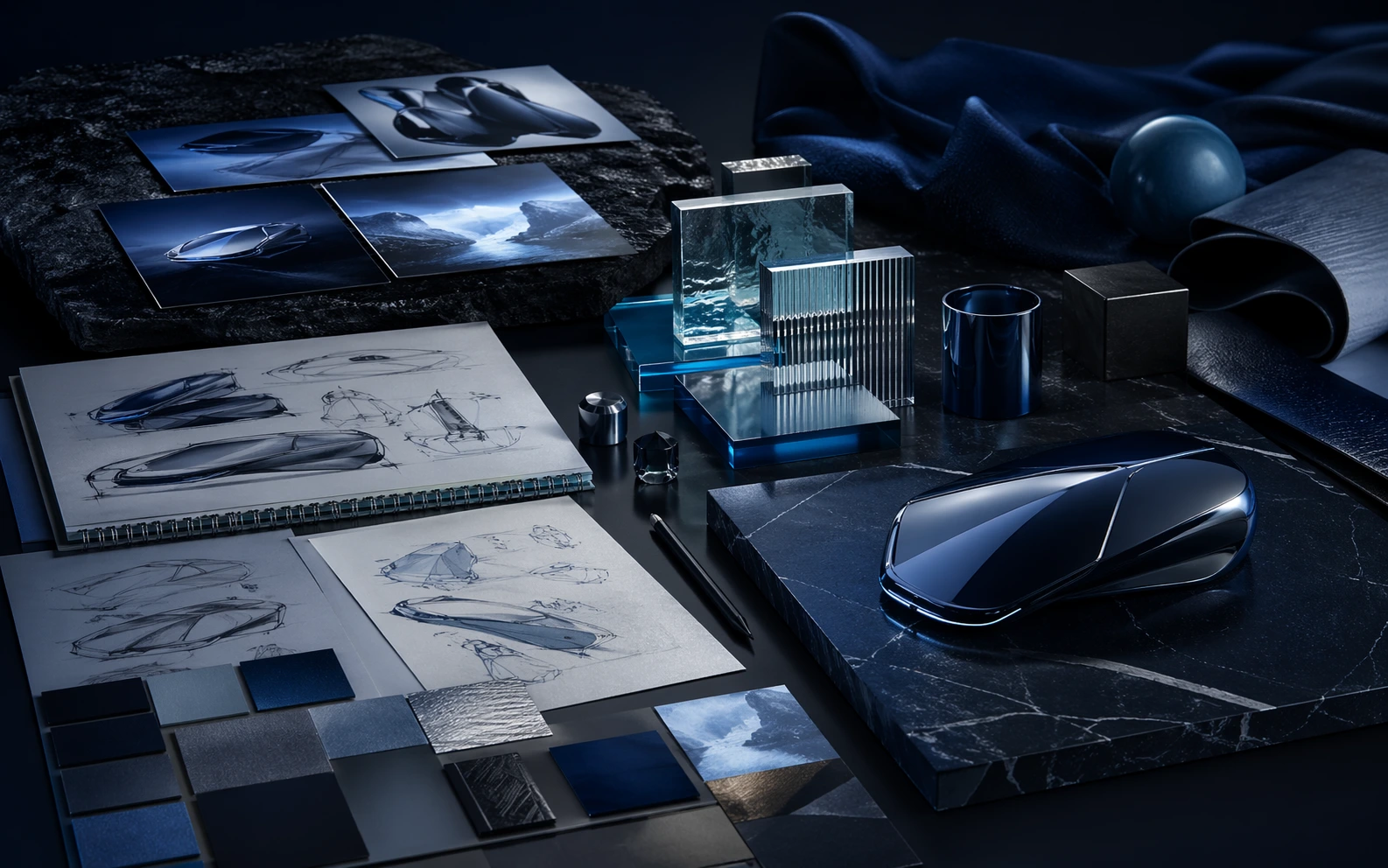
A Cleaner Workflow from Brief to Approved Visual
GPT Image 2 keeps prompt writing, reference control, image variation, and final selection inside one repeatable system so teams can make better decisions faster.
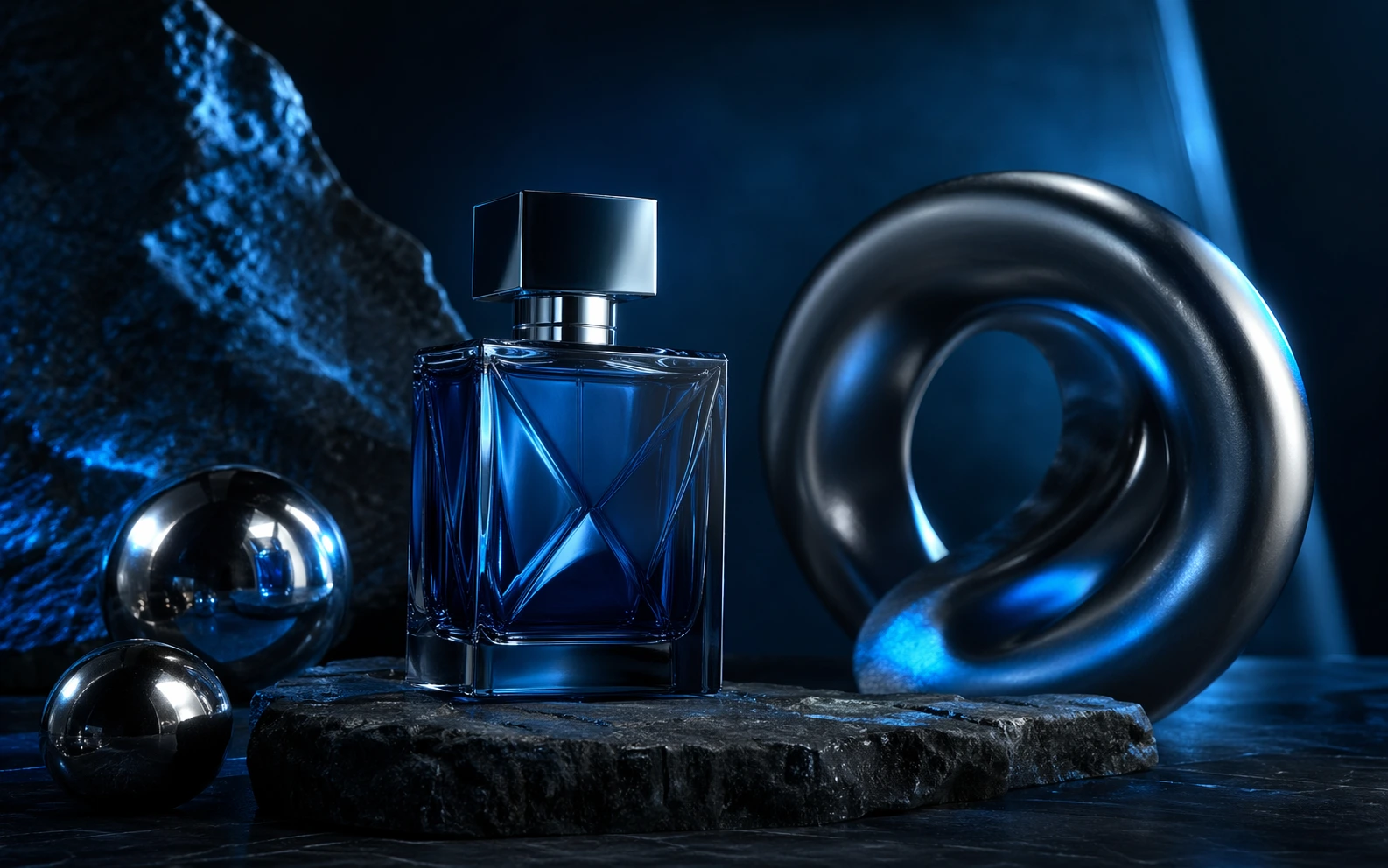
Prompt-to-Image Starts
Translate a creative brief into credible first-pass visuals without wasting cycles on vague prompting or scattered tools.
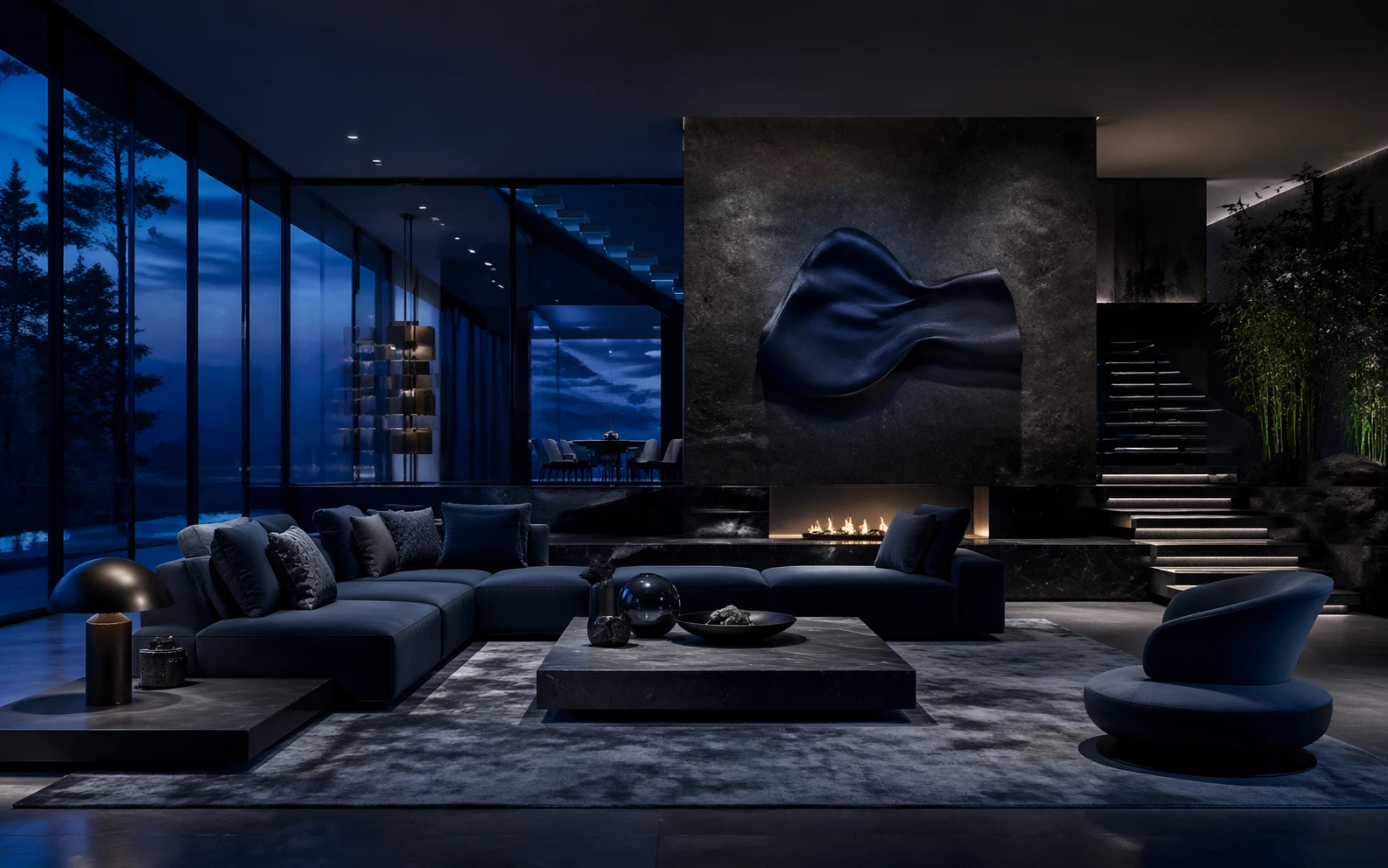
Reference-Led Direction
Use references to steer material, framing, color, and brand direction when text alone is too loose.
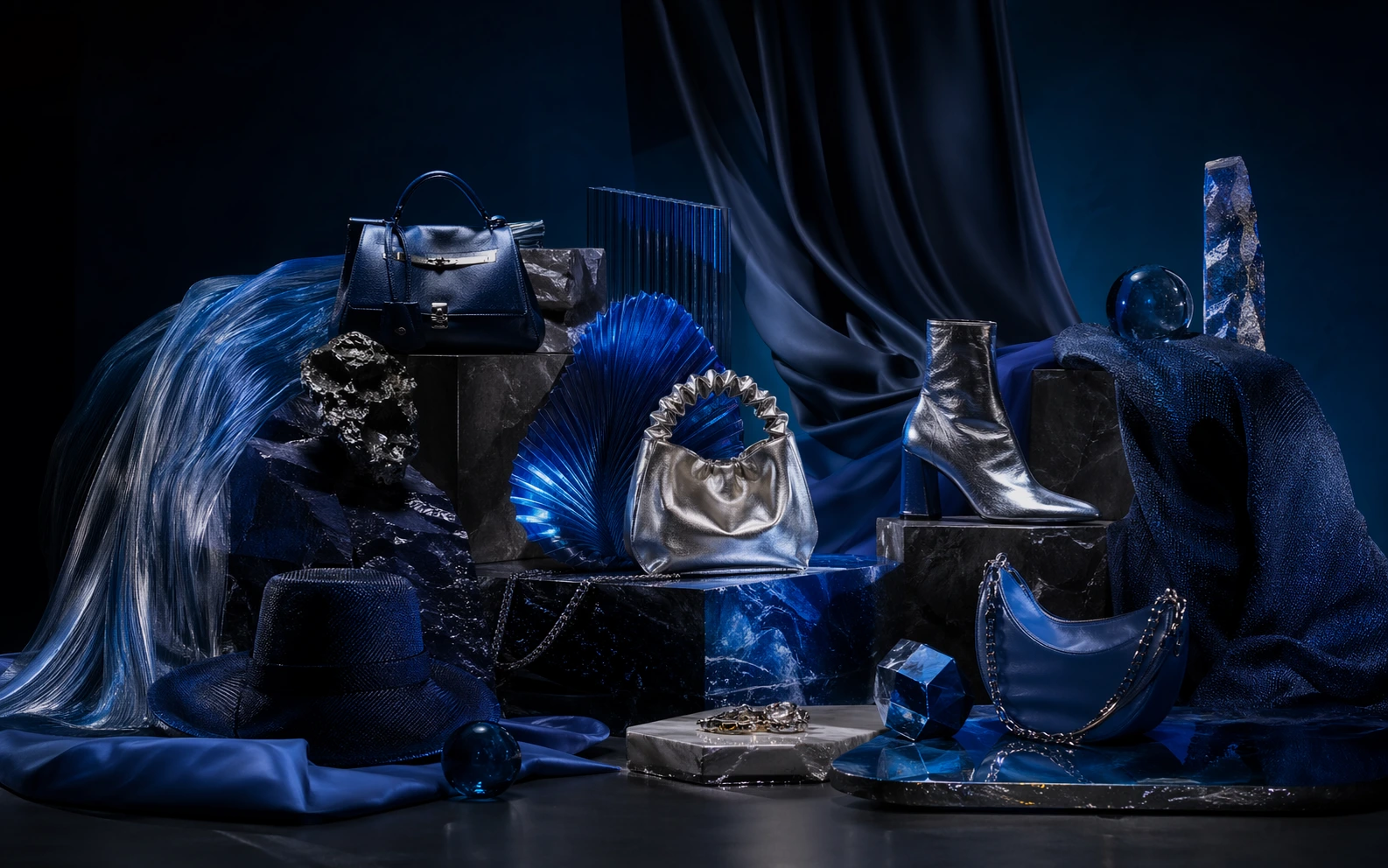
Variation at Decision Speed
Generate a controlled spread of options so creative reviews compare real directions instead of guessing from one output.
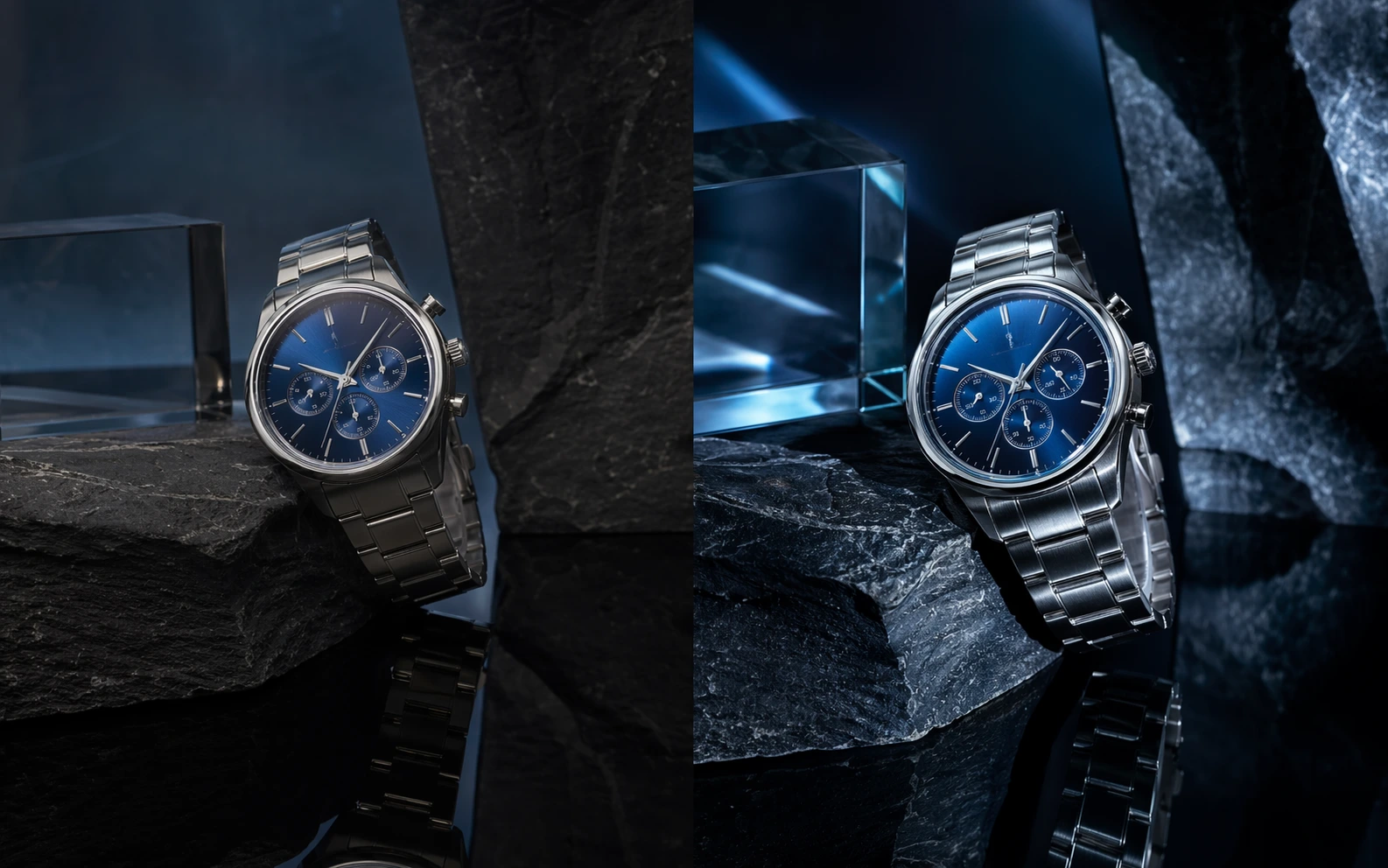
Refine Toward Approval
Take the promising route and push detail, finish, and composition until the output is ready for a deck, page, or launch asset.
Why Teams Ship Faster with GPT Image 2
GPT Image 2 is designed for teams that need visual quality and process clarity at the same time.
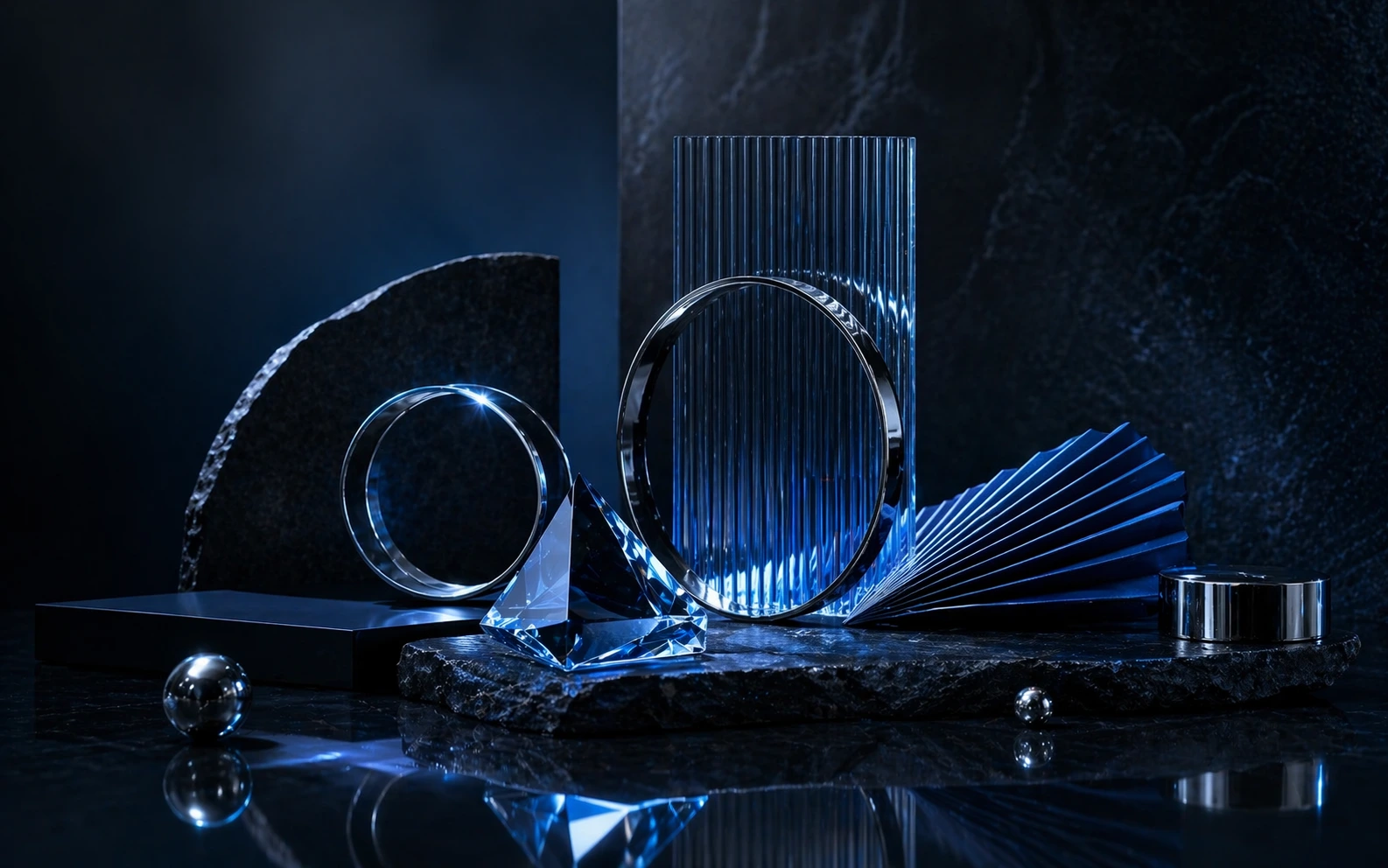
How GPT Image 2 Fits a Real Image Workflow
Move from brief to selected output with a four-step loop built for creative iteration and handoff clarity.
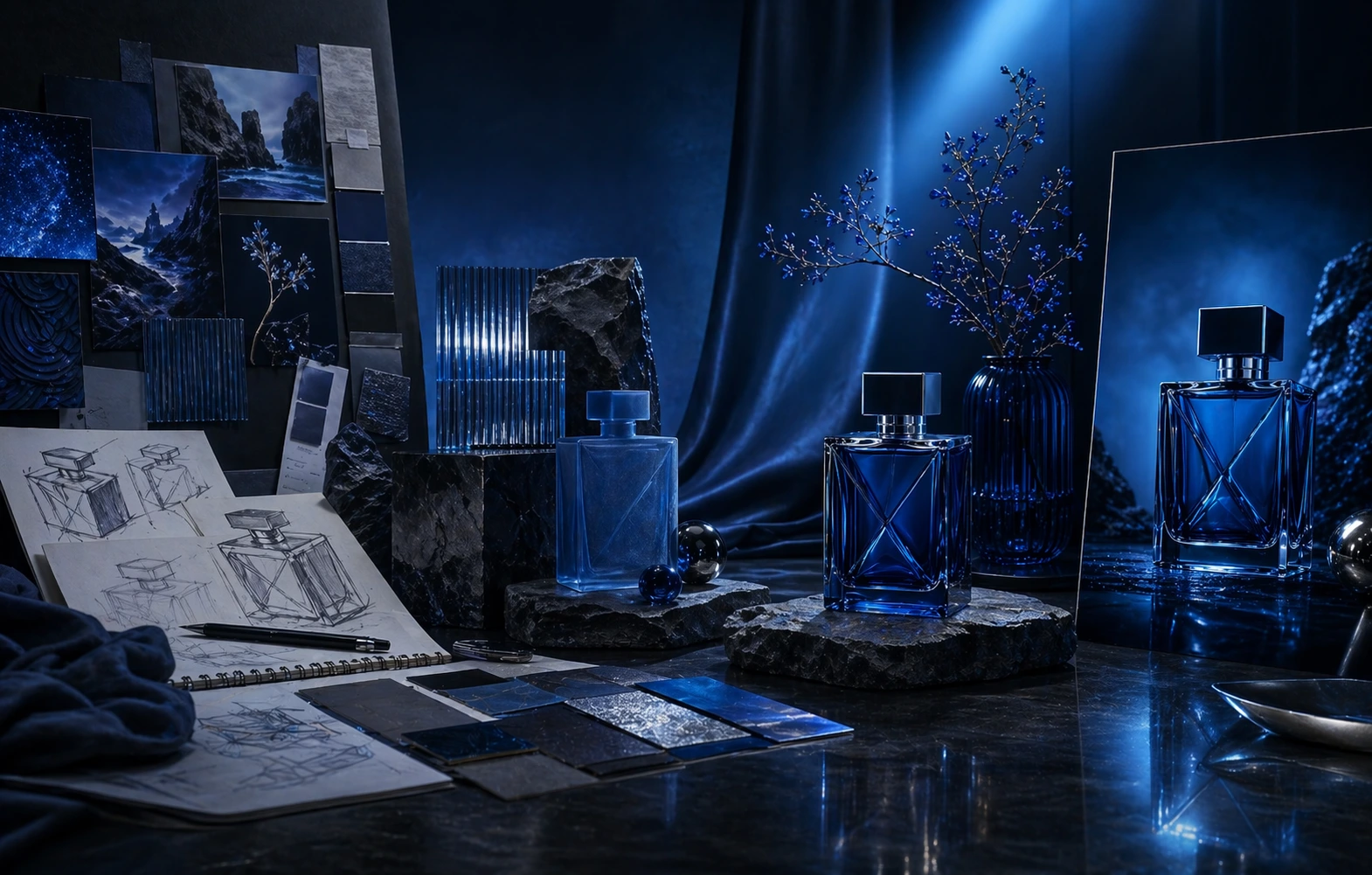
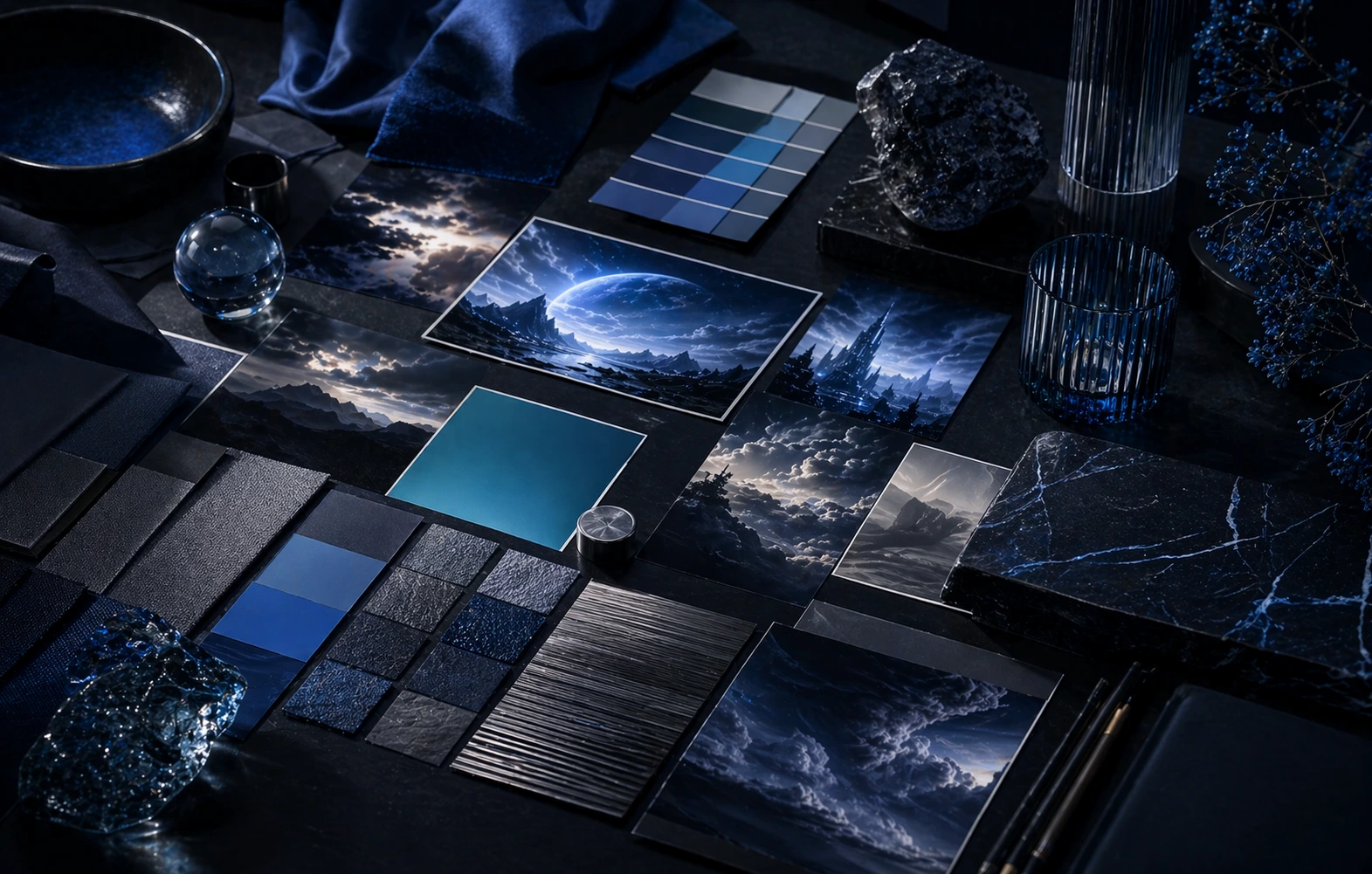
Frame the Brief
Define subject, format, tone, and output goal so the first pass already aims at the right use case.
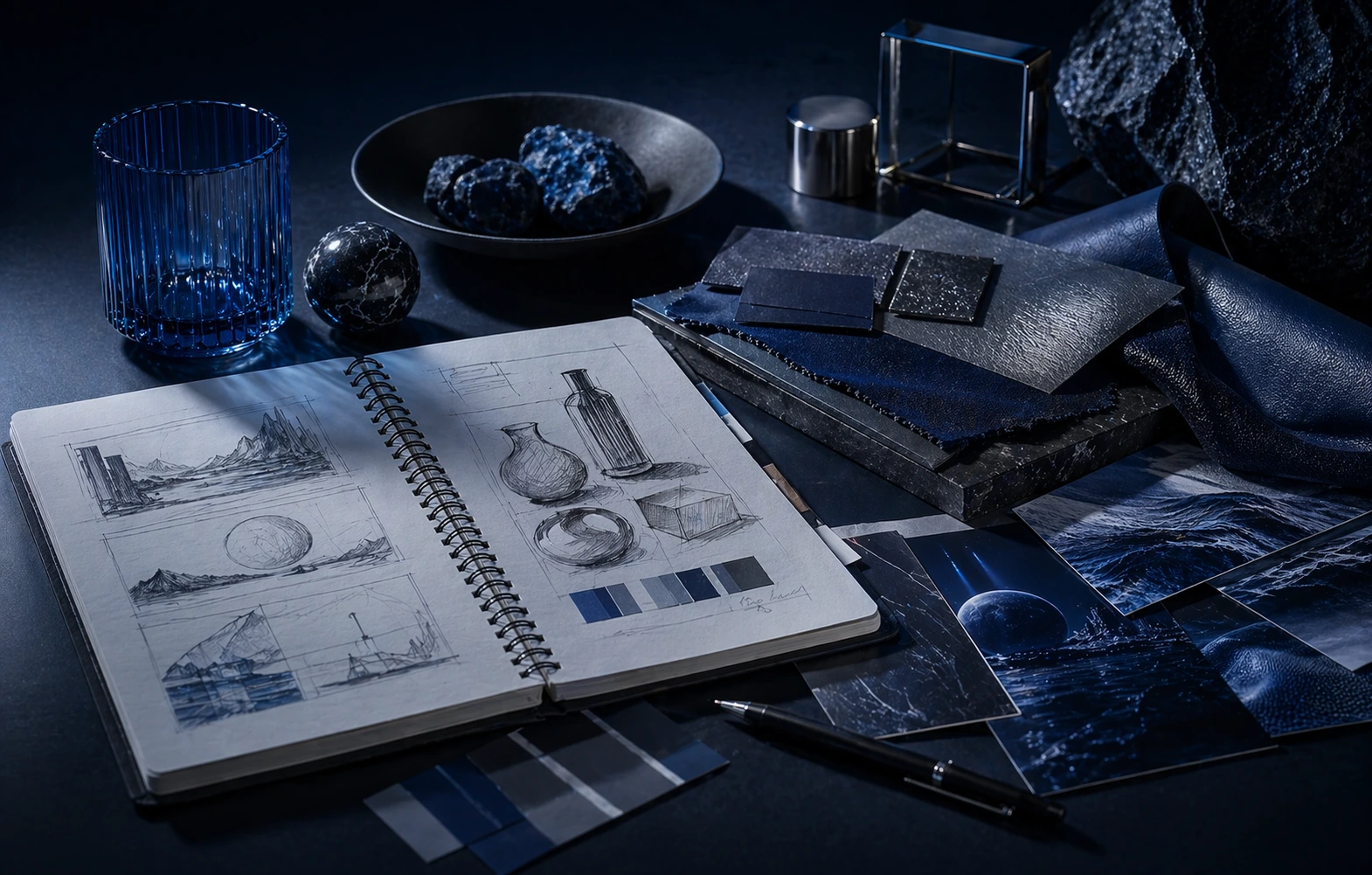
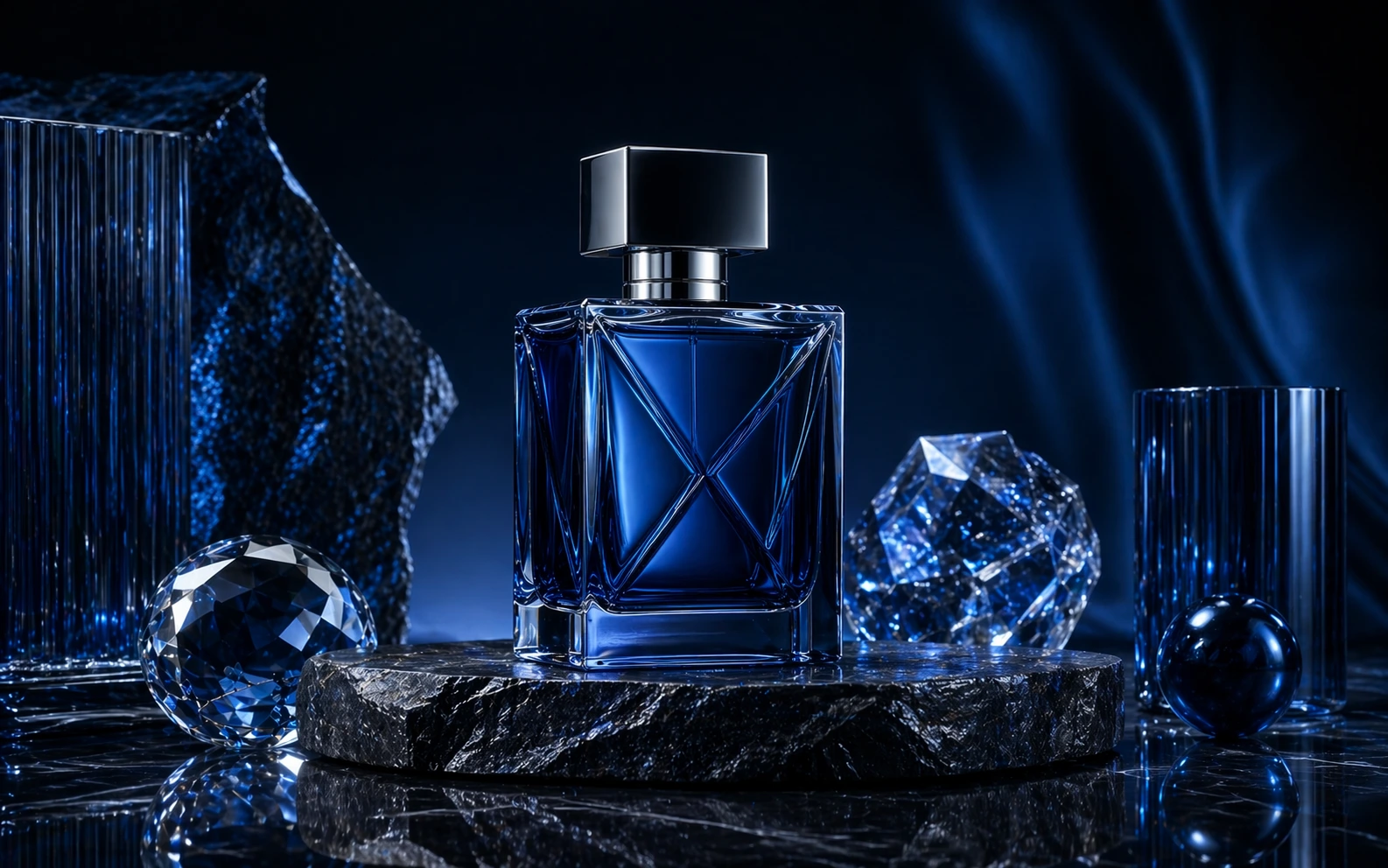
Anchor with References
Add references for palette, product detail, composition, or styling when visual precision matters.
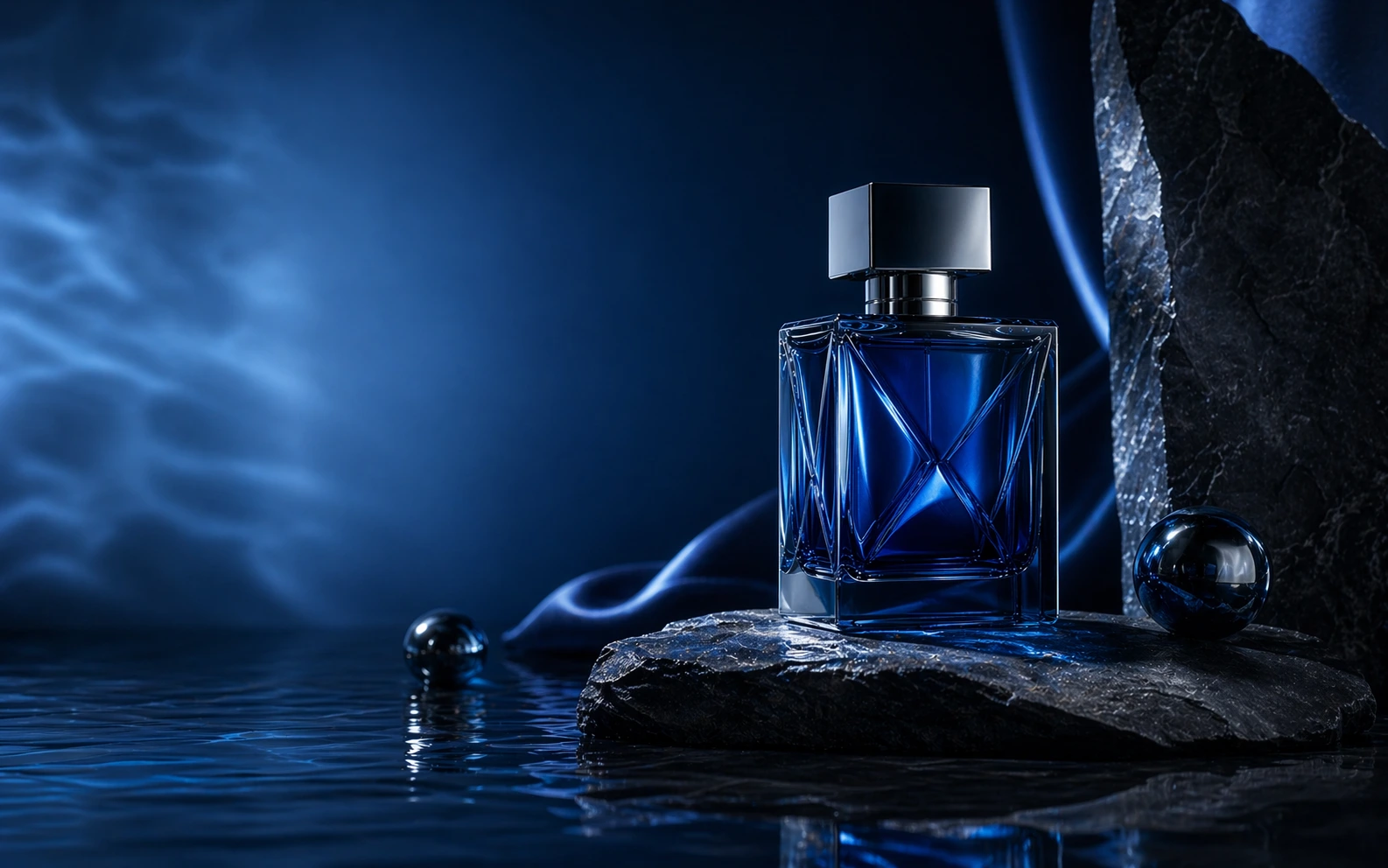
Compare and Tighten
Generate variations, pick the strongest direction, and refine until the image is sharper and more usable.
Export for Delivery
Use the winning images in launch plans, internal reviews, landing pages, and creative production handoffs.
GPT Image 2 Features
Everything needed for practical AI image workflows from first draft to final export.
Prompt-to-Image Generation
Turn rough concepts into credible first-pass visuals quickly.
Image-to-Image Iteration
Use an existing visual as a base when you need evolution instead of a reset.
Reference-Based Control
Guide styling, composition, and atmosphere more intentionally.
Variation Testing
Compare multiple directions before committing a team to one route.
Refinement Loops
Push promising outputs toward stronger clarity, finish, and detail.
Export-Ready Delivery
Move the final image set downstream without extra cleanup friction.
Designed for Actual Creative Throughput
GPT Image 2 keeps ideation, review, and delivery inside one practical workflow.
Brief-Led Start from the real deliverable
Start from the real deliverable
Reference-Aware Keep direction grounded
Keep direction grounded
Review-Ready Show work with cleaner options
Show work with cleaner options
What Creators Say About GPT Image 2
See how teams use GPT Image 2 for concepting, campaign visuals, and faster production prep.
GPT Image 2 gave us a faster path from written brief to review-ready visual options. The team could actually choose between directions instead of arguing over one output.
Maya Ortiz, Creative Lead
Maya Ortiz
Creative Lead
We used GPT Image 2 to test multiple product-story directions before a launch and cut a lot of visual back-and-forth.

Daniel Wu, E-commerce Operator
Daniel Wu
E-commerce Operator
The reference workflow is the difference-maker. It keeps the outputs closer to the actual brand system instead of drifting into random styles.

Nina Park, Brand Designer
Nina Park
Brand Designer
GPT Image 2 helps us present stronger first-round concepts. That changes review speed more than any single model feature.

Leo Martins, Agency Founder
Leo Martins
Agency Founder
I can move from mood references to exportable launch visuals without juggling three different tools and losing context.

Aisha Rahman, Content Strategist
Aisha Rahman
Content Strategist
The big win is structured iteration. GPT Image 2 feels less like gambling on prompts and more like directing a visual system.
Jonas Keller, Independent Creator
Jonas Keller
Independent Creator
Frequently Asked Questions About GPT Image 2
Answers about GPT Image 2, including prompt workflows, references, refinement, pricing, and handoff fit.
Start Building Your Next Visual Set with GPT Image 2
Use GPT Image 2 to explore, compare, refine, and ship stronger image assets faster.